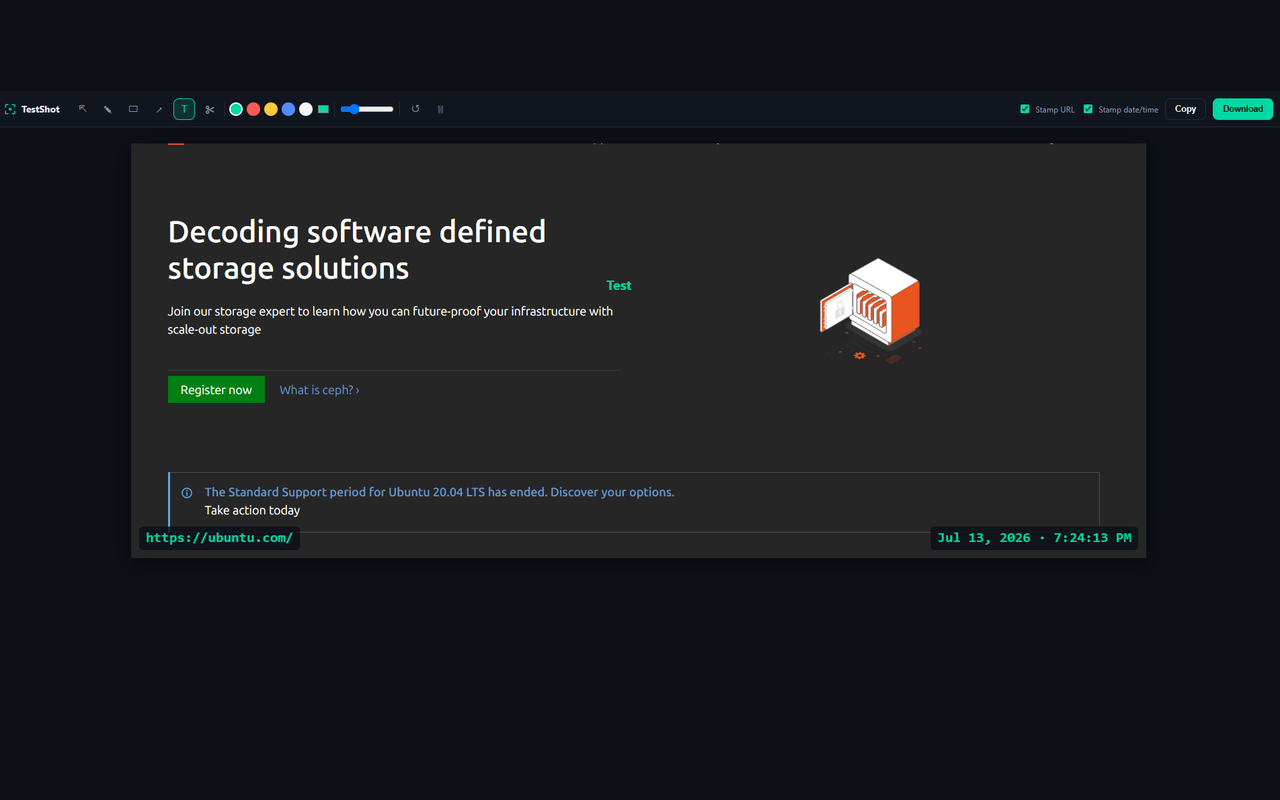
TestShot captures screenshots and screen recordings, lets you annotate them right there in the browser, and gets them into whatever tool you're using — no separate app, no uploading, no fuss.
No account. No tracking. Nothing leaves your device.
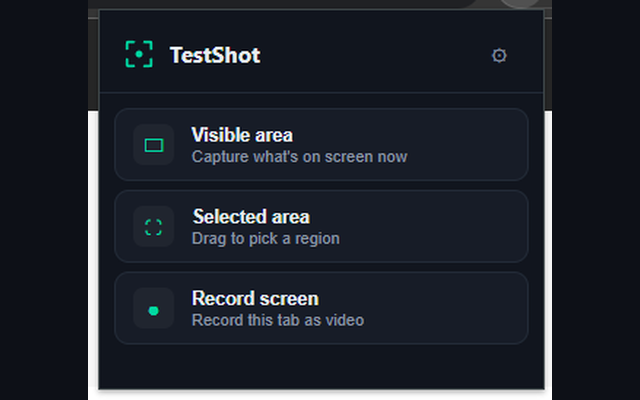
Everything happens from the toolbar icon — capture, mark up, and get it where it needs to go.
Grab the visible area, drag-select a specific region, or record the tab as video — whatever the moment calls for.
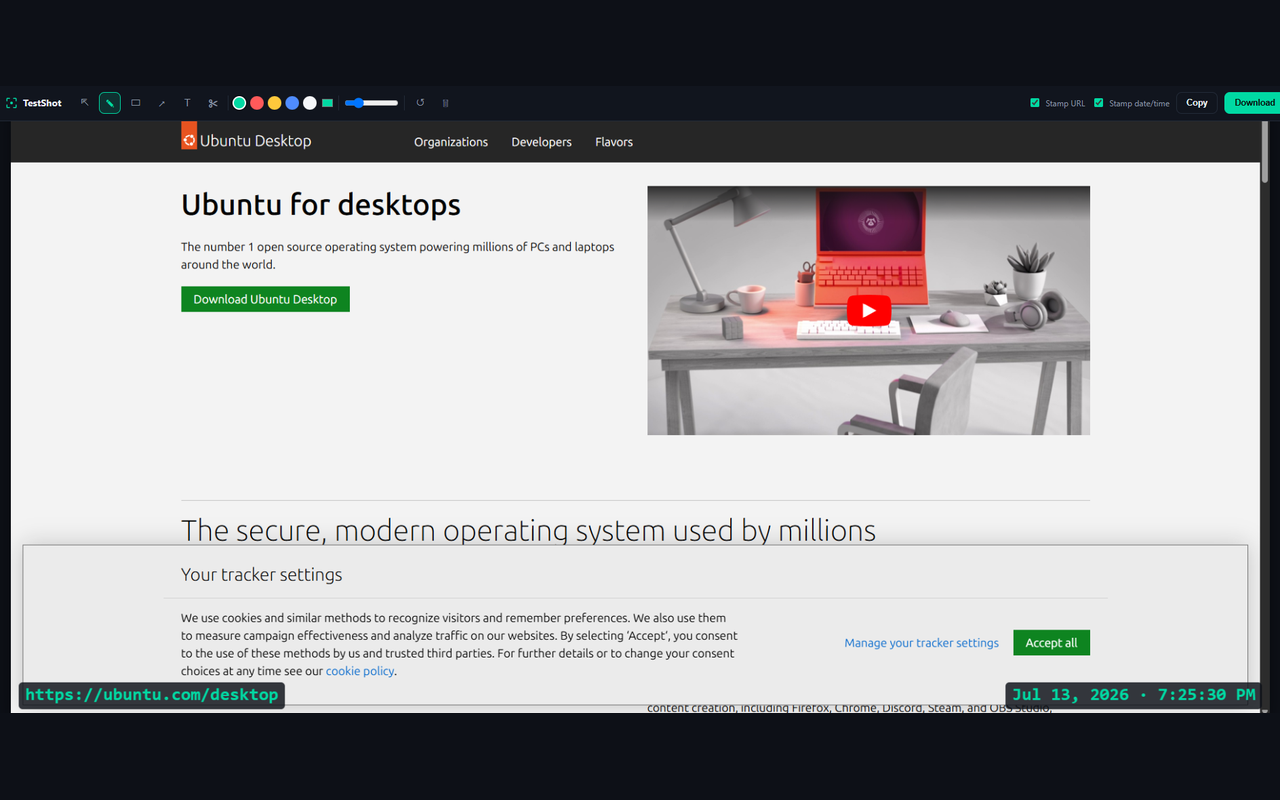
Pen, rectangle, arrow, and text tools open automatically. Drag, delete, or double-click to edit anything. Crop if you only need part of it.
Copy straight to your clipboard, or download as PNG or video — to a folder you've chosen, not wherever Chrome decides.
No separate editor to open, no file to re-upload somewhere else.
One click grabs exactly what's on screen right now.
Drag out just the region you need — nothing extra to crop later.
Record the tab as a video when a screenshot can't tell the whole story.
Point at what matters. Select, drag, or double-click to edit anything after the fact.
Drag a box, apply, done — trims the image without leaving the editor.
Stamp the page URL and the exact capture time onto the image itself.
Nothing you capture ever leaves your device. No accounts, no analytics, no third-party servers — TestShot just isn't built to collect anything.
Read the privacy policyFree, no account required, works on any site.